

How to collect data using Google Analytic
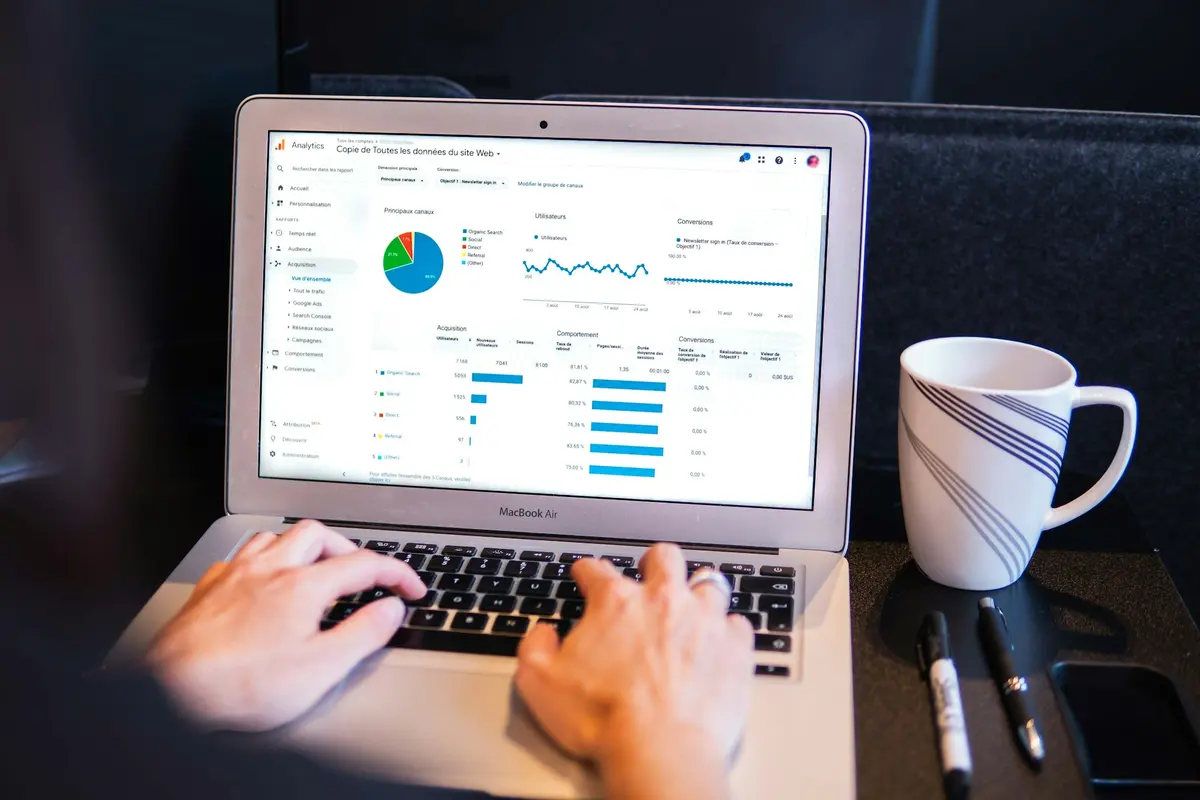
Web analytic evaluates both website and web marketing actions performances. It affords to understand how many users visit a website when they visit it.
Updated
On this page
Key takeaways
- !Diagram: Diagram Original diagram for Techfastly by Vin Patel. Web analytic evaluates both website and web marketing actions performances.
- It can be used to categorize interactions in reports that are specific to the website.
- !Diagram: Diagram Original diagram for Techfastly by Vin Patel..

Original diagram for Techfastly by Vin Patel.
Web analytic evaluates both website and web marketing actions performances. It affords to understand how many users visit a website when they visit it and for how long they browse the website, which are the sources that carry the most traffic and more. There are several web analytic tools, and Google Analytic is always the first choice. Not only because it’s free, but it provides lots of features that help to test, track, and measure customer behavior on a website.
Let’s give a short checklist on how to choose a useful analytic tool:
-List the goals that need to be achieved from the information available on the tool. Check whether the tool can achieve the goals.
-Check if the features match your web analytic needs. Check if it is easy to understand and use.
-Check if it fits your budget, and it is in line with your expected ROI.
-Check if it has a free-trial period.
What is Google Analytic? #
Google Analytic is a free web analytic tool offered by Google that allows you to aggregate, filter, and visualize data to analyze how users interact with a website. It’s a tracking software of people browsing a website retrieving data with valuable insights into user behavior, interests, and more to take action to improve a product or a service.

Original diagram for Techfastly by Vin Patel.
Why Digital Analytic? #
A web analytic tool’s task is to make easily accessing data without having to read through online sales records, count how many times a page has been shared, or count comments on each post.
People usually purchase goods in stages. There are different stages that describe customer interactions. A basic purchase includes the following steps:
Acquisition when users build awareness and interest.
Behavior when users engage with the business.
Conversion when a user becomes a customer.
In the offline world, this process can be hard to measure. But in the online world, there is the opportunity to measure several steps of the purchase using digital analytic, tracking what online behavior led to purchases and exploiting that data to make decisions about how to reach new and existing customers.
How does Google Analytic collect data? #
The website data collection begins with a snippet of JavaScript tracking code that’s included on every webpage where information is collected. The tracking code trails each user’s interaction on the website. This code uses the domain of the website to track and put it in the analytic reports. In this way, Google Analytic will drop a cookie in the user’s browser for that website and easily track the trail on a single website URL domain by default.
With each user interaction on the website, the analytic tracking code sends a URL string, called “hit,” with useful information about users.
The URL string contains some useful data like:
the language of the user’s browser
the name of the page visited
the screen resolution of the user’s device
the Analytic ID that associates that hit to the right analytic account
The hit will also include other parameters like a randomly-generated user identifier. This will allow Google Analytic to understand new and returning users.
The three most common types of hits are:
- “pageview” hits
- “event” hits
- “transaction” hits
A “pageview” hit is triggered every time a user opens a webpage with the tracking code. This is the most common type of hit sent to Google Analytic.
An “event” hit is triggered every time a user interacts with a particular element on the website. Event hits send four parameters of data in the URL: event action, category, label, and value. It can be used to categorize interactions in reports that are specific to the website.
A “transaction” hit can pass data to Google Analytic about commerce purchases.
Setting up the Enhanced Commerce function, you can also pass additional commerce data like product category, whether items have been added or removed from a shopping cart, and how many times users viewed a product on a website.
Additional hits such as “social hits” can pass likes, shares, or tweet data; and “page timing hits” that allow you to report on page timings.
Google Analytic widens those data using other sources such as IP address, server-log files, and other ad-serving data. And in this way, it can understand things like:
a user’s location
specifics about user’s browser
user’s age and gender
source/medium that referred users to a website
Once the hit is sent to Google Analytic and combined with additional data, they are ready for processing by the Analytic servers.
Original diagram for Techfastly by Vin Patel.
How to set up Google Analytic? #
Let’s look at how Google Analytic accounts are organized.
All company accounts can be grouped under an “Organization,” which is optional. This allows us to manage multiple Google Analytic accounts under one grouping. Large businesses could have multiple accounts, while small-sized companies generally use one account. When an account is generated, it automatically generates a property and a view for that account. But each Analytic account can have multiple properties and each property can have multiple views. This organizes data collection in the best way for a business.
The Google Analytic account determines how data is collected from websites and manages who can access that data. Generally, the best choice is to create separate accounts for distinct businesses or business units.
Each account has at least one “property,” and each property can collect data independently of each other using a unique tracking ID that appears in the tracking code. Just as each account can have multiple “properties,” each property can have multiple “views.” The Running Filters feature determines what data to include in the reports for each view.
The view level also affords you set Google Analytic “Goals.” Goals are a way to track business objectives from the website. For instance, a task could be how many users signed up for an email newsletter or how many users purchased a product. Pay attention when setting up your accounts, properties, and views because you can’t change data once it’s been collected and processed.
Start your Google Analytic trial.

Original diagram for Techfastly by Vin Patel.
Related reading
- Data Analytics & Decision Making - A Strategic Move
- The Evolving Role of Data Analytics in the Healthcare Industry
- Data Visualization For Business - All You Need To Know
Questions and answers
What is Google Analytic? #
Google Analytic is a free web analytic tool offered by Google that allows you to aggregate, filter, and visualize data to analyze how users interact with a website.
Why Digital Analytic? #
A web analytic tool’s task is to make easily accessing data without having to read through online sales records, count how many times a page has been shared, or count comments on each post.
How does Google Analytic collect data? #
The website data collection begins with a snippet of JavaScript tracking code that’s included on every webpage where information is collected. The tracking code trails each user’s interaction on the website.
How to set up Google Analytic? #
Let’s look at how Google Analytic accounts are organized. All company accounts can be grouped under an “Organization,” which is optional.