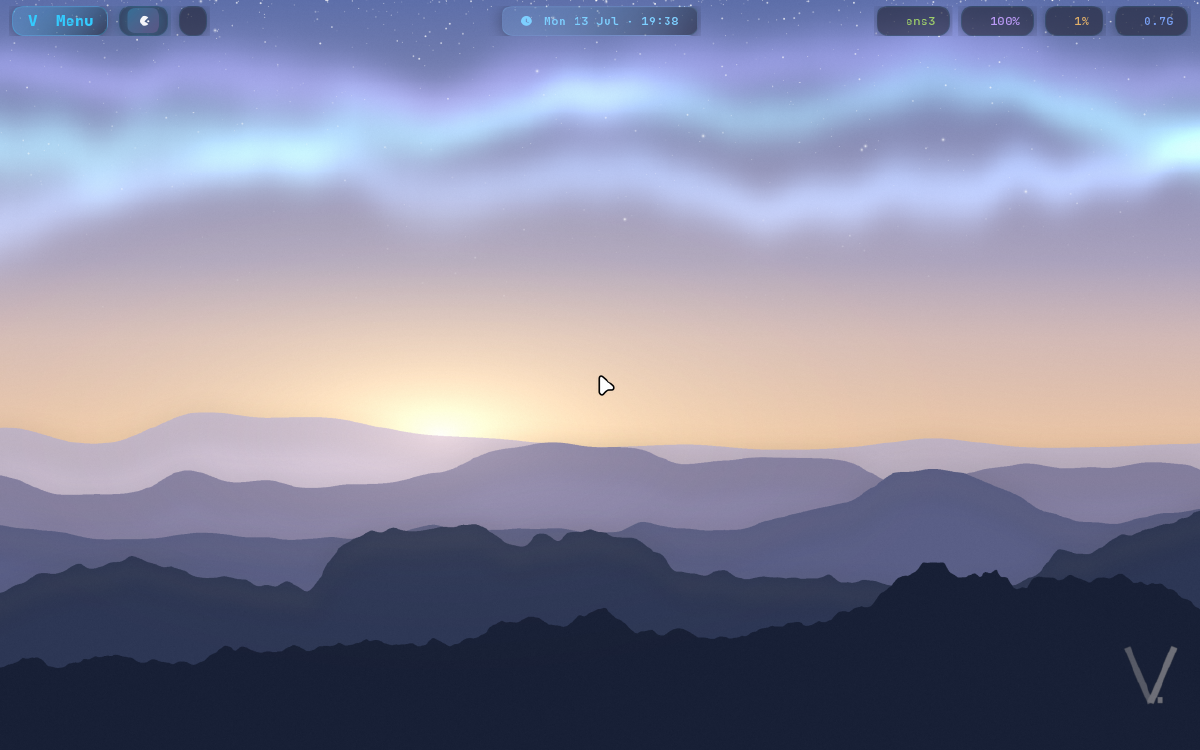
Visit vinos.computer → | View on GitHub →
Screen recording · real ISO
Boot → local LLM chat → Claude Code, on a real vinOS ISO.
Why I Built This
Every serious AI workflow assumes the cloud. Your prompts, your code, your context — all of it leaves your machine by default. vinOS flips that. It’s a thin layer on Arch Linux that boots straight into an AI-native desktop: local models handle the grunt work, frontier models handle the hard reasoning, and nothing leaves your hardware unless you explicitly send it.
The bet is simple — most agent work doesn’t need a frontier model. Give a laptop the right defaults and it does the bulk of the job locally, on hardware you already own.
The 80/20 Stack
vinOS pairs two tiers of intelligence so you reach for the expensive one only when it earns its keep.
| Tier | Runs on | Handles |
|---|---|---|
| Local (~80%) | Ollama, on your hardware | Summarizing, refactoring, boilerplate, grep-and-explain — the high-volume grunt work |
| Frontier (~20%) | Claude Code | Complex reasoning, architecture, the tasks that actually need a bigger model |
Super+A opens local LLM chat. Super+Shift+A opens Claude Code. The split is one keystroke, not a config file.
What You Get
Agents, not add-ons
Local chat and Claude Code are first-class keybindings — wired in on first boot, no setup.
Hyprland on Wayland
Tiling, Wayland-native, with a Nerd Font waybar and semantic status modules for network, audio, CPU, memory, and battery.
Five, switchable live
tokyo-night, catppuccin-mocha, rose-pine, everforest, gruvbox-dark — swap at runtime, no restart.
One place for everything
vinos-menu (Super+Ctrl+O) gathers bundles, theme switching, diagnostics, and system controls.
Curated, not bloated
Walker launcher, hyprlock, hypridle, hyprsunset, swayosd, satty — the tools you reach for, already set up.
Local by default
Your data stays on your machine. Nothing leaves the box unless you explicitly send it to a frontier model.
One Keystroke Away
Every core action is a Super chord. The full cheat sheet ships on the machine — here’s the shape of it.
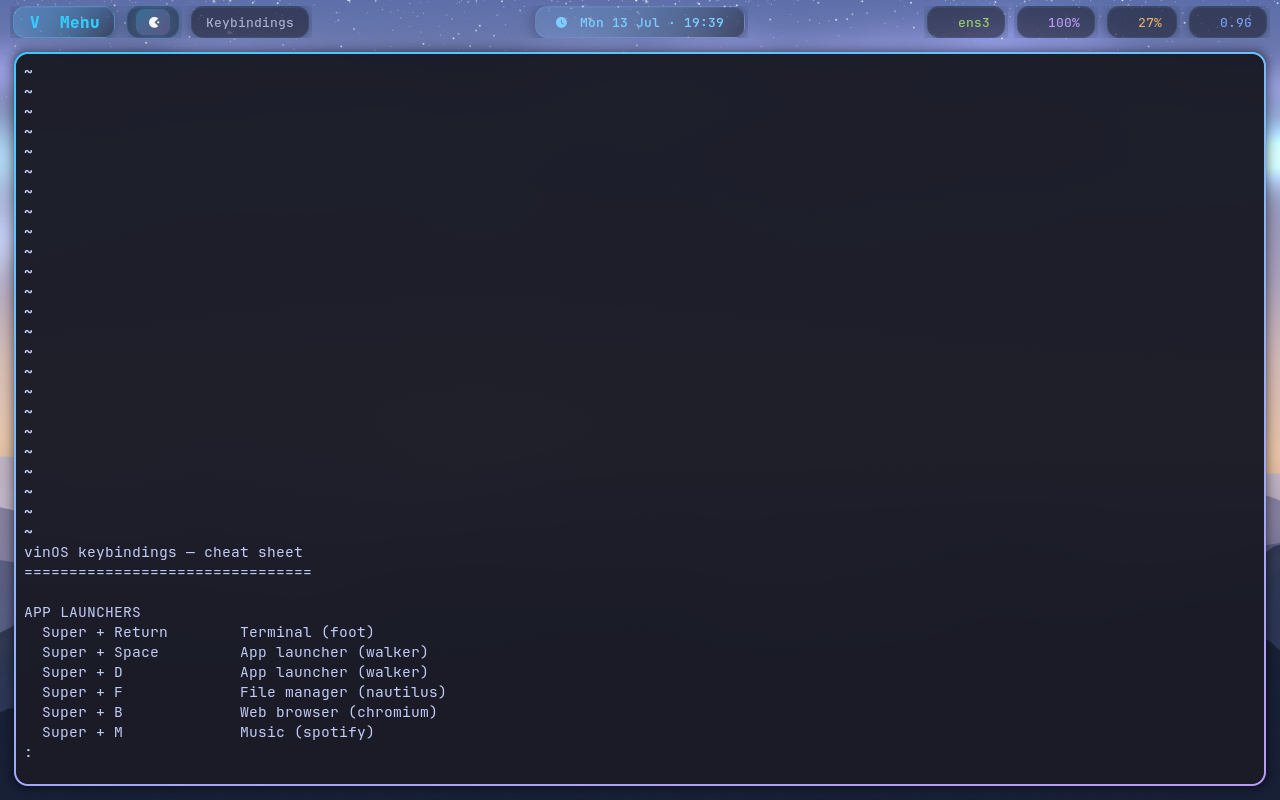
The on-machine cheat sheet — one keystroke from any window.
Five Themes, Switch Live
Pick your palette from vinos-menu and the whole desktop re-themes at runtime — no restart, no config editing.





Runs on Hardware You Already Have
vinOS is built to bring older and unusual machines back to life as AI workstations.
T2 Macs
Ships with the linux-t2 kernel so T2-era MacBooks boot cleanly — keyboard, trackpad, and audio included.
ThinkPads
The workhorse target. If it runs Arch, it runs vinOS.
Legacy desktops
That dusty tower in the closet is a perfectly good local-model box. Give it a job.
The full verified compatibility matrix lives in docs/HARDWARE.md.
Quick Start
One line, from a USB boot or an existing Arch base:
curl -fsSL https://raw.githubusercontent.com/vinpatel/vinos/main/boot.sh | bashIt clones vinOS to ~/.local/share/vinos and runs the installer. Full setup — including T2 Mac paths and bundle configuration — is in docs/INSTALL.md, with a first-boot walkthrough in docs/QUICKSTART.md.
How It’s Built
vinOS stays a thin layer on Arch on purpose. Three rules keep it maintainable and forkable:
- One place touches graphics — only
install/02-desktop.shmodifies graphical components; everything else runs headless - Clear ownership — base owns scripts
01–09, forks own10–99, overlays extend without editing the base - Isolated identity — all branding lives in
install/05-branding.sh, so rebranding a fork is a single file
Architectural rationale is written down in VINOS_SPEC.md and DECISIONS.md; ATTRIBUTIONS.md credits the prior art it builds on.
Tech Stack





- Base: Arch Linux +
linux-t2kernel for Apple T2 hardware - Desktop: Hyprland on Wayland, systemd, Nerd Font waybar
- Local models: Ollama
- Frontier: Claude Code
- License: MIT — fully open source