

Make AI Event Posters Nobody Calls Horrible: A Hacker News Fix
A Hacker News post reframes bad AI event posters as a workflow problem, not a model problem — here's the two-pass fix.
By the end of this you’ll have a two-pass workflow for AI-generated event posters that doesn’t read as AI-generated at all.
The prompt for this comes from a post making the rounds on Hacker News, arguing the “horrible AI poster” problem is a workflow failure, not a model failure — the fix is treating the generator as one stage in a pipeline, not the whole poster.
Here’s the recipe:
- Generate artwork and typography as two separate passes, never one.
- Prompt the image model for background and illustration only — no text baked in.
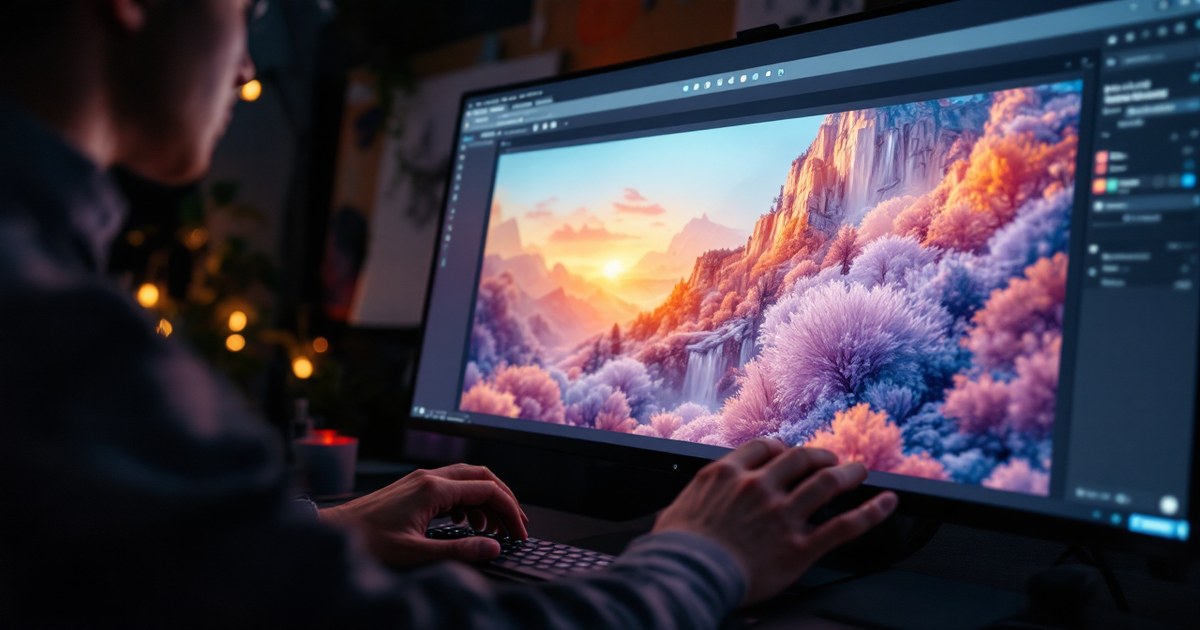
- Compose the actual headline, date, and venue in a real design tool on top of the generated art.
- Pull one accent color from the generated image and repeat it across every text element so the poster reads as one object.
- Export, then check the result at thumbnail size — most poster failures only show up small.
Paste this as your background-pass prompt, then move layout into a design tool:
“Poster background illustration, [event theme], no text, no logos, no typography, cinematic lighting, negative space in the top third for headline placement, [color palette]”
The gotcha: let the image model render its own letters and you get the mangled-text look every time, regardless of which model generated it. That garbled type is the single tell that separates a poster people share unironically from one they screenshot to mock. Kill text generation at the prompt stage and the tell disappears with it.
What the Hacker News thread actually demonstrates matters more than the specific tool used: creators splitting asset generation from final composition are the ones shipping usable work right now, while everyone still prompting for a “finished poster” in one shot is stuck fighting garbled type and off-brand fonts. That split — generation versus composition — is the same lesson running through AI creative tooling more broadly, from event posters to product mockups.
If you’re pushing AI image or video output toward real production use, the deeper look at where these tools have actually matured — and where they still fake it — is worth the read: The AI Creative Revolution.
Get workflows like this before they trend. Subscribe at /subscribe/ for one AI signal a day, delivered straight to your inbox.